
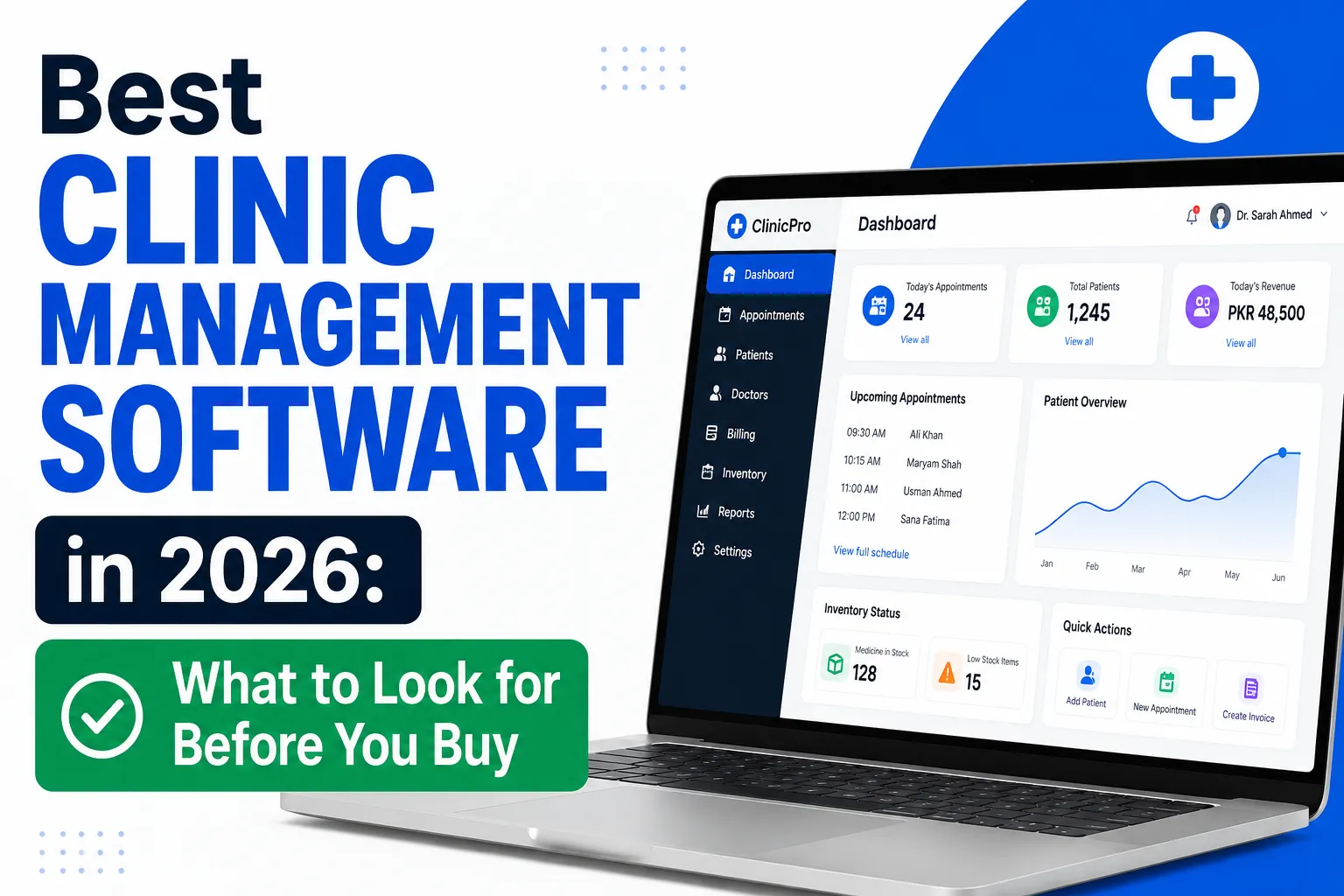
For solo clinicians and small allied health practices (1–4 practitioners), established off-the-shelf platforms like Cliniko, Semble, Pabau, and WriteUpp provide turnkey scheduling, electronic health records (EHR), and invoicing at £39–£95 per practitioner/month. However, when private clinics scale to multiple locations, introduce specialized treatment plans, or require bespoke NHS Spine / diagnostic laboratory integrations, off-the-shelf software often creates operational bottlenecks. This guide compares the leading UK market packages and outlines exactly when investing in bespoke software architecture becomes the higher-ROI choice.
Most private clinic owners in the UK start researching clinic management systems after reaching an operational friction point: a double-booked consultation, missed patient recalls, private medical insurance claim delays, or practitioner frustration with clunky clinical notes.
Selecting the right digital foundation directly impacts patient retention, clinical governance, GDPR compliance, and operational overhead. Below is an objective breakdown of the leading UK platforms in 2026, followed by an analysis of the tipping point where off-the-shelf tools reach their functional limits.
Honest Review: The Leading UK Off-The-Shelf Clinic Platforms (2026)
Here is an objective evaluation of the four most widely adopted platforms across UK private healthcare practices:
1. Semble (Formerly Heydoc)
Primary Focus: Private GPs, specialist consultants, and premium outpatient clinics.
- Strengths: Built specifically for the UK private medical market. Excellent electronic prescribing (e-Prescriptions with direct pharmacy dispatch), integrated video consultations, direct lab test ordering (TDL, Doctor's Laboratory), and smooth private health insurance (Healthcode) invoicing.
- Limitations: Premium pricing compared to general allied health tools. Setup requires clinical workflow configuration. Less tailored for aesthetic practitioners or physio exercise prescription.
- UK Pricing: From ~£80–£120+ per practitioner / month.
2. Cliniko
Primary Focus: Physiotherapists, osteopaths, chiropractors, and allied health practices.
- Strengths: Remarkably clean, intuitive user interface. Fast calendar booking, customizable clinical note templates, integrated telehealth, and automated SMS reminders. Transparent pricing with no lock-in contracts.
- Limitations: Limited multi-clinic inventory tracking. Basic reporting. Does not natively support complex multi-stage clinical pathways or specialized private hospital workflows.
- UK Pricing: Tiered by practitioner count: ~£39/mo (1 user), ~£69/mo (2–5 users), up to ~£200+/mo for larger practices.
3. Pabau (Pabau 2)
Primary Focus: Medical aesthetics, dermatology, plastic surgery, and multi-location medi-spas.
- Strengths: Comprehensive clinical photo tracking, facial mapping, digital consent forms on iPads, and integrated retail/batch stock management (Botox/fillers lot tracking). Advanced marketing automations and online deposit payments.
- Limitations: Steep learning curve due to feature density. Customer onboarding can take several weeks. Can feel overly complex for general medical consults.
- UK Pricing: Custom quote based on users and modules, typically £75–£150+ per user / month.
4. WriteUpp
Primary Focus: Solo practitioners, mental health professionals, psychologists, and speech therapists.
- Strengths: Lightweight, GDPR-focused UK practice software. Simple note taking, integrated online booking, digital signature capture, and straightforward invoicing. Low monthly cost.
- Limitations: Lacks advanced multi-branch scheduling, automated inventory tracking, or custom laboratory API integrations.
- UK Pricing: Extremely accessible, starting at ~£19.95/month for solo practitioners plus small per-user fees.
Off-the-Shelf Clinic Software Comparison Matrix
| Platform | Best Suited Specialty | Typical UK Cost | Key Strengths | Main Limitation |
|---|---|---|---|---|
| Semble | Private GPs & Medical Specialists | £80 – £120+ / user / mo | e-Prescriptions, TDL lab links, Healthcode insurance | Higher price point; GP/specialist focus |
| Cliniko | Physiotherapy & Allied Health | £39 – £140 / mo | Clean UX, rapid booking, SMS automations | Limited complex hospital / inventory flows |
| Pabau | Aesthetics, Dermatology & Medi-Spas | £75 – £150+ / user / mo | Face mapping, consent forms, batch tracking | Steep learning curve, high setup complexity |
| WriteUpp | Psychology & Solo Therapists | £20 – £50 / mo | Simple notes, GDPR compliant, low cost | Not built for scaling multi-location clinics |
When Off-the-Shelf Clinic Software Reaches Its Limits
While turnkey SaaS platforms are ideal for launching a clinic, established healthcare organizations frequently encounter a "growth ceiling" where off-the-shelf software transforms from an asset into an operational liability.
1. The Monthly Per-Seat Licensing Penalty
As your clinical team expands to 10, 20, or 40+ practitioners, nurses, and administrative staff, SaaS subscription fees escalate to £1,000 to £3,500+ every single month. Over a 5-year operational horizon, a 15-practitioner clinic can easily spend £60,000 to £120,000 in recurring software licenses — without owning the intellectual property, having full database autonomy, or being able to customize core clinical workflows.
2. Non-Standard Patient Pathways & Treatment Programs
SaaS platforms assume a single standard workflow: patient books → attends 30-minute appointment → pays invoice. They break down when managing:
- Multi-stage treatment journeys: Diagnostics → consultant triage → surgical booking → post-operative rehabilitation → automated longitudinal outcome surveys.
- Subscription-based healthcare: Monthly concierge private GP memberships with automated entitlement allowances.
- Multidisciplinary triage: Internal cross-referrals between nutritionists, physiotherapists, and medical consultants within the same patient record.
3. Proprietary NHS & Medical Device Integrations
Off-the-shelf SaaS systems offer closed ecosystems or restricted APIs. If your clinic requires:
- Direct bi-directional integration with proprietary diagnostic equipment (imaging, ECG, blood analyzers).
- Custom NHS Spine integration, GP Connect access, or Electronic Referral Service (e-RS) workflows.
- Custom enterprise EHR synchronization with hospital PACS or private laboratory LIMS systems.
Commercial SaaS providers will rarely build bespoke integrations for an individual clinic's needs.
4. Data Sovereignty & Enterprise Governance
Under UK GDPR and Caldicott principles, patient health records represent sensitive special-category data. Large multidisciplinary clinics and private hospital groups increasingly require dedicated single-tenant cloud databases, complete audit logging, custom access tiers, and full data portability without third-party vendor lock-in.
Off-the-Shelf vs Bespoke Clinic Software: Strategic Framework
How do you decide between continuing with an off-the-shelf subscription or commissioning a custom-engineered healthcare system?
| Decision Factor | Off-The-Shelf SaaS (Cliniko / Semble) | Bespoke Clinic Software Architecture |
|---|---|---|
| Time to Deployment | Immediate (1 – 7 days setup) | Phased delivery (8 – 16 weeks) |
| Initial Investment | Zero or low onboarding fee (£0 – £1,500) | £15,000 – £45,000 capital investment |
| Recurring Cost (5-Year Horizon) | £40,000 – £120,000+ in perpetual per-seat fees | Low hosting & maintenance (£150–£350/mo total) |
| Workflow Flexibility | Rigid. Your staff must adapt to software constraints. | 100% tailored to your clinical pathways and forms. |
| Integration Capabilities | Limited to vendor-approved marketplace apps | Direct API integration with any lab, PACS, or CRM |
| IP & Valuation Impact | No IP ownership. Adds zero enterprise value. | Proprietary technology asset increasing practice valuation. |
Frequently Asked Questions
What is the best clinic management software for a small private clinic in the UK?
For private GPs and medical specialists, Semble is widely regarded as the leading UK platform due to native e-prescriptions and lab connections. For physiotherapy and allied health, Cliniko provides the most balanced combination of usability and value. For aesthetic clinics, Pabau remains the industry standard.
How much does clinic management software cost per month?
Standard UK subscriptions range between £39 and £120 per practitioner per month. Practices with 10+ clinicians typically spend between £600 and £1,500/month on combined software subscriptions and SMS add-ons.
Is off-the-shelf clinic management software UK GDPR compliant?
Major platforms maintain UK GDPR compliance and will sign Data Processing Agreements (DPAs). However, clinics must ensure patient consent records, data retention policies, and access controls are configured properly within their account settings.
When should a private clinic consider bespoke software development?
Bespoke development becomes commercially compelling when your practice reaches 8+ practitioners (where perpetual license fees become substantial), when your clinical workflows involve multi-stage treatments that off-the-shelf tools cannot automate, or when you require custom integrations with proprietary medical hardware or NHS digital services.
Explore Bespoke Clinic Software Development
If your healthcare organization has outgrown standard clinic software or requires a secure, custom-engineered patient portal, clinical trial platform, or specialized practice management system, speak with our technical team.
At ExoGrow Solutions, we architect secure, GDPR-compliant healthcare software with zero per-seat licensing penalties, seamless database ownership, and custom medical API integrations.