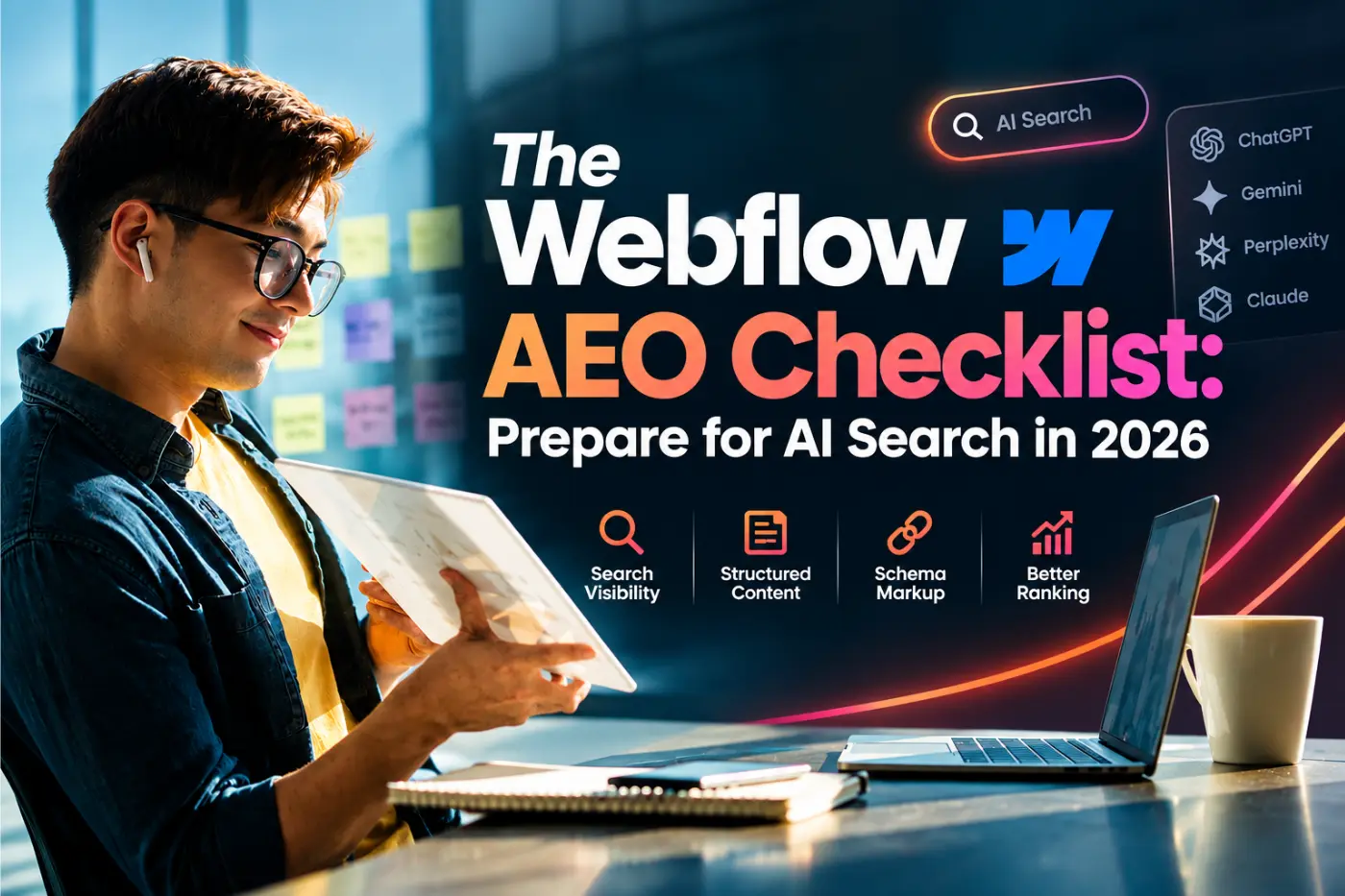
A practical Webflow AEO checklist for 2026 covering llms.txt, AI crawlers, schema, and content structure so AI search engines like ChatGPT & Claude actually cite your site.
AEO stands for answer engine optimization. It is the practice of structuring a website so that ChatGPT, Perplexity, and Google's AI Overviews can quote it directly in an answer, rather than just ranking it on a results page. If you run a Webflow site, the good news is that most of the groundwork is already within reach. The bad news is that almost nobody has actually set it up.
We build and manage Webflow sites for clients across the UK, US, and the Gulf, and this year nearly every strategy call has drifted into some version of the same question: are we losing traffic to AI answers, and if so, what do we actually do about it. This checklist is our real answer. Not a theory piece, a working list of the changes we make on client sites, roughly in the order we make them.
What Answer Engine Optimization Actually Means
Classic SEO has one job: get you ranked high enough that a person clicks your link. AEO has a different job. It gets your content pulled directly into an AI answer, sometimes without anyone visiting your site at all. The two overlap a lot, a page that ranks well is usually a decent candidate for citation too, but they are not the same task, and treating them as identical is why most sites are underprepared.
The scale here is not small. Google's AI Overviews now reach roughly 1.5 billion people a month across more than 200 countries and answer over half of all search queries before a single blue link appears. ChatGPT has around 900 million weekly users, and Perplexity handles more than 500 million queries a month on its own. Here's the detail most guides skip: only about 11% of domains get cited by both ChatGPT and Google's AI Overviews for the same query. Ranking well on Google does not automatically mean ChatGPT will quote you, and the reverse is also true.
Webflow has clearly noticed. It quietly moved an AEO-focused product into private beta earlier this year, which is a fair signal that the platform expects this to matter for a long time, not just a passing trend. Either way, the checklist below works whether Webflow ships more native tools for this or not, because none of it depends on a feature that does not exist yet.
Step 1: Check Whether AI Crawlers Can Actually Reach Your Site
This is the step people assume is fine and never actually check. Webflow does not block AI crawlers by default, but robots.txt files get copied from old templates, agencies, or a previous site more often than anyone admits, and a stray disallow rule can quietly block exactly the bots you want.
| Crawler | Owner | What it's for |
|---|---|---|
| GPTBot | OpenAI | ChatGPT web search |
| OAI-SearchBot | OpenAI | OpenAI's dedicated search features |
| ChatGPT-User | OpenAI | Live browsing triggered inside ChatGPT |
| ClaudeBot | Anthropic | Claude's web features |
| PerplexityBot | Perplexity | Perplexity's AI search |
| CCBot | Common Crawl | General training data, often blocked deliberately |
In Webflow, robots.txt lives under Site Settings, then SEO. Check it directly rather than assuming. If you want AI search visibility, GPTBot, OAI-SearchBot, ClaudeBot and PerplexityBot should not be disallowed. CCBot is more of a judgment call since it feeds general model training rather than live search answers, some businesses are fine with that, others would rather opt out. There is no universally correct answer here, only a deliberate one.
Step 2: Publish an llms.txt File
An llms.txt file is a short, plain text file at your site's root that tells AI tools what your site actually covers and where the important pages live, similar in spirit to a sitemap but written for a language model instead of a search engine. It is a young standard, and Webflow has no dedicated upload field for it in the Designer, so most teams get it live through a redirect rule pointing at a hosted file, or through custom code if their plan allows code export.
- Start with a one-line description of what your business does
- List your 5 to 10 most important pages with a plain description of each
- Include a short section of key facts, founding year, main services, locations served
- Keep it in plain text, no marketing language, no formatting tricks
It takes under an hour to write properly. Almost nobody has done it yet, which is precisely why it is worth doing now rather than in a year, when it will just be table stakes.
Step 3: Write Pages That Can Be Quoted on Their Own
AI tools tend to pull short, self-contained chunks of text, generally somewhere in the range of 130 to 170 words, that answer a question completely without needing the rest of the page for context. A paragraph that starts with three sentences of throat-clearing before it gets to the actual point is much less likely to get picked up than one that leads with the answer.
A simple pattern helps here: state what the thing is in the first sentence, back it with a specific number or fact in the second or third, and stop. "AEO is the practice of structuring content so AI tools can quote it directly" is a usable opening line. "In today's rapidly evolving digital landscape, businesses are increasingly turning their attention toward the emerging discipline of answer engine optimization" is not, and it also happens to be exactly the kind of padded, empty-calorie sentence that makes AI-written content easy to spot.
Put your most important claim in the first 40 to 60 words of every key section, not buried at the end after three paragraphs of setup.
Step 4: Use One H1 and Question-Based Subheadings
Every page should have exactly one H1. That sounds obvious, but plenty of Webflow builds end up with two or three because a hero heading and a CMS template heading both render as H1 without anyone noticing. Beyond that, H2s and H3s should follow a clean, logical order, not jump from H2 straight to H4 because a heading looked better visually at a smaller size.
Where possible, phrase your H2s as actual questions. "What is AEO?" gets matched against a query far more directly than "AEO overview." People ask AI tools questions in plain language, and headings that mirror that phrasing make it easier for a model to line your section up with what someone actually typed.
Step 5: Turn Your Best Content Into Tables, Lists and FAQs
Structured formats get selected more often than plain paragraphs, and pages with genuine multi-modal content, real images, a table, a short video, tend to get picked up noticeably more than pages that are just a wall of text. You do not need a video for every page, but a comparison table where one actually fits, or a numbered list for a step-by-step process, does real work.
FAQ sections deserve particular attention. Write them as if someone typed the exact question into a search bar, then answer in two to four sentences, no preamble. This is also the easiest section to pair with FAQ schema, which brings us to the next step.
Step 6: Add Schema Markup That AI Models Can Actually Parse
Article or BlogPosting schema, FAQPage schema, and Organization schema are the core set for most content pages. A common mistake on Webflow builds is pasting a JSON-LD script into a body embed block instead of the page head, or nesting it inside a component where it silently gets stripped on publish. It looks fine in the Designer and then does nothing in production.
Author information matters more than most teams expect. A byline with a real name, tied to a Person schema where possible, is a small but genuine authority signal. Anonymous, undated content reads as lower trust to both readers and models. Once schema is live, run it through Google's Rich Results Test rather than assuming it is correct just because it was copied from a working example elsewhere.
Step 7: Build Brand Mentions Outside Your Own Site
This is the step with the least intuitive result. A December 2025 Ahrefs study of 75,000 brands found that brand mentions correlate roughly three times more strongly with AI visibility than backlinks do. Mentions on YouTube showed the strongest correlation, followed by Reddit and Wikipedia presence, with LinkedIn moderate and raw domain authority from backlinks the weakest signal of the group.
For a small or mid-sized business, that does not mean you need a Wikipedia page. It means a genuine, active presence on Reddit or LinkedIn where your brand actually gets discussed by real people is probably worth more right now than another guest post arranged purely for a backlink. Nobody is saying backlinks are worthless, they are just no longer the strongest lever in this particular game.
Step 8: Make Sure Your Content Renders Without JavaScript
AI crawlers generally do not execute JavaScript. Most core Webflow content is server-rendered and fine by default, but heavier custom code embeds, scroll-triggered animations, or interactive components that inject their actual text content client-side can end up invisible to a crawler even though a human visitor sees everything perfectly.
The check is simple: view your page source directly, or run it through Google's URL Inspection tool in Search Console, and confirm your key copy is present in the raw HTML, not only in the rendered result. If a hero section's headline only appears after a script fires, that headline effectively does not exist for AI search.
Common Mistakes We Keep Finding on Live Webflow Sites
Most of these are not exotic problems. They are small, boring oversights that quietly cost visibility, and we run into some version of every single one of them during a typical audit.
- Two H1s on one page. A hero section renders one, then a CMS collection template adds a second further down. Both were built at different times by different people and nobody noticed because visually it looks fine.
- Robots.txt copied from a template or an old site. Someone imported settings from a previous build or a starter template months ago, and a disallow rule for a whole crawler family has been sitting there quietly ever since.
- Schema pasted into the wrong place. A JSON-LD block gets dropped into a body embed instead of the page head, or nested inside a symbol that gets stripped on publish. It validates fine in a code preview and then does nothing live.
- The real answer buried under three paragraphs of setup. A page opens with company background, a brief history, and a mission statement before it ever gets to the actual definition someone was searching for.
- No author, no date, anywhere. Content with no byline and no visible published or updated date reads as lower trust to both readers and AI models, even when the information itself is accurate.
- Key copy loaded entirely through a code embed. A slick animated section looks great to a visitor, and is completely empty in the raw page source because the actual words only render after a script runs.
None of these take long to fix once you know to look for them. The problem is almost nobody looks, because none of it breaks anything visible to a human, it only breaks something invisible to a crawler.
A Simple Monthly AEO Routine
None of this is a one-time setup you finish and forget. AI crawlers recrawl frequently, so a short, recurring check tends to matter more than one perfect audit. Once a month, we recheck robots.txt for accidental changes, skim new content for buried answers and missing schema, and glance at any new pages for stray double H1s. It takes under an hour once the initial cleanup is done, and it is the difference between staying visible and slowly drifting out of AI answers without noticing.
Frequently Asked Questions
What is AEO and how is it different from SEO?
Classic SEO is about ranking high enough that someone clicks your link. AEO is about being the source an AI tool quotes directly inside its answer, sometimes without the person ever visiting your site. The two overlap heavily but are not the same job.
Does Webflow support AI crawlers by default?
Webflow does not block AI crawlers by default, but your own robots.txt settings under Site Settings and SEO can accidentally restrict them if a restrictive template was copied in at some point. Check for GPTBot, ClaudeBot, PerplexityBot and OAI-SearchBot specifically and make sure none are disallowed.
What is an llms.txt file and does Webflow support it?
An llms.txt file is a plain text file at your site's root that gives AI tools a short, structured summary of what your site covers and where to find key pages. Webflow has no native upload field for it, so most teams add it through a redirect rule or a hosting-level file if their plan supports code export.
Do I need separate content for AI search versus Google search?
No, but you do need to structure existing content more carefully. The same page can rank on Google and get cited by ChatGPT if it has clear definitions, short self-contained answer blocks, and clean heading structure. You are not writing two versions, you are writing one version properly.
Does adding FAQ schema actually help with AI citations?
It helps indirectly. FAQ schema does not guarantee a citation on its own, but the question and answer format it requires happens to be exactly the shape AI tools prefer to quote. Writing in that format tends to help even before the schema is added, the schema just makes the structure machine readable too.
How long does it take to see results from AEO changes?
Usually faster than typical SEO changes. AI tools recrawl frequently and citations are not tied to years of accumulated backlinks, so some clients see content picked up in AI answers within a few weeks of a proper structural cleanup, though consistent visibility takes a bit longer to settle.
Can custom Webflow animations hurt AI visibility?
Yes, if the actual text content is injected by JavaScript rather than present in the page's initial HTML. AI crawlers generally do not execute JavaScript, so copy that only appears once a script runs may be invisible to them even though a human visitor sees it without any issue.
Is AEO relevant for a small business site or only larger sites?
If anything, it matters more for smaller sites. Large brands often get cited anyway purely on size and existing authority. A smaller business with clean structure, honest specifics, and a properly configured llms.txt file can genuinely outperform a much bigger competitor that never got around to fixing any of this.
Most of this checklist is not difficult. It is just easy to skip when nobody is directly asking for it yet. The businesses that fix it now will be the ones AI tools are already citing by the time everyone else gets around to it.
We run this exact audit on Webflow sites for clients who want to know where they actually stand, not a generic score, a specific list of what is missing and what to fix first.