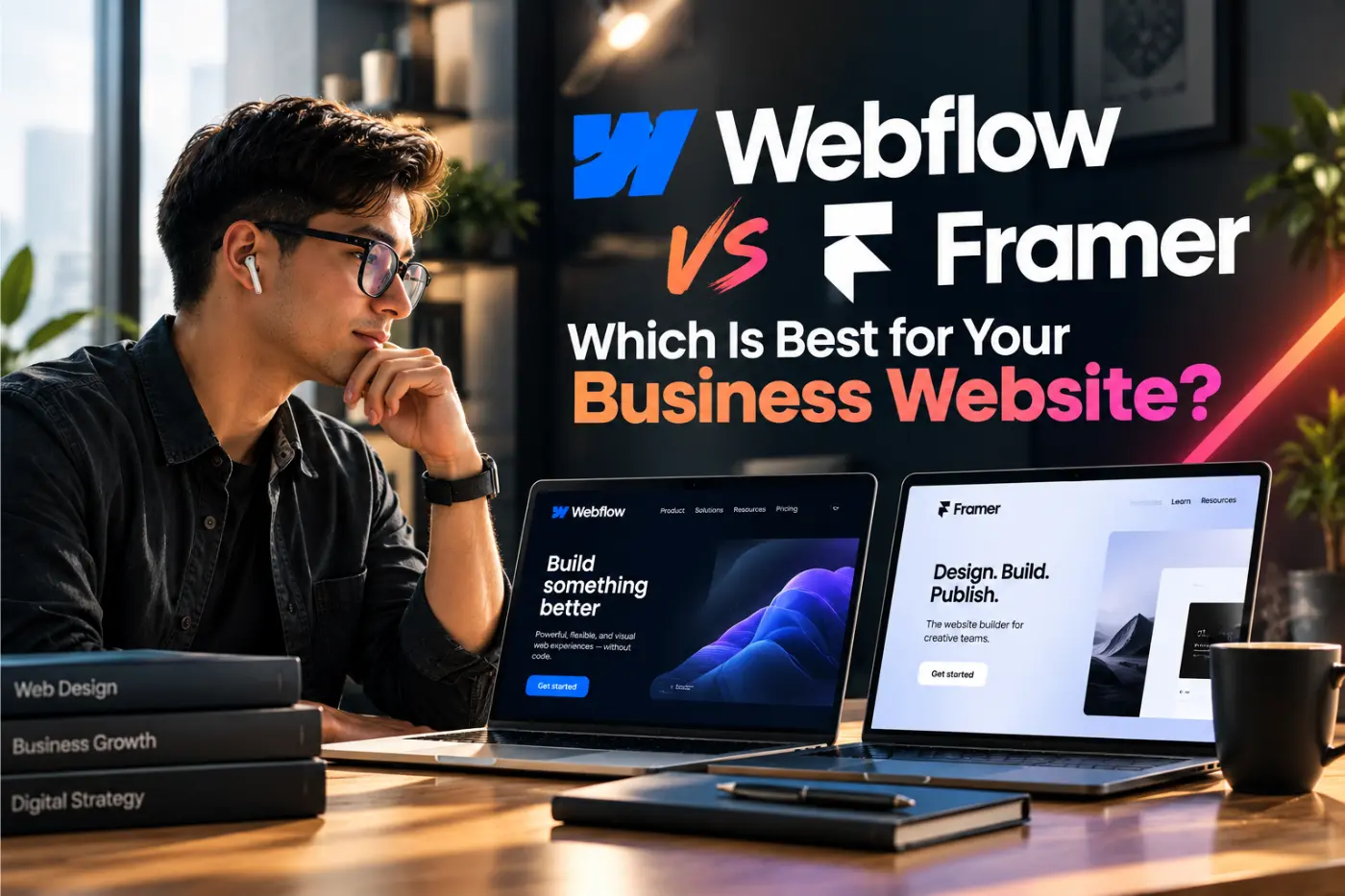
Webflow vs Framer for business websites in 2026. Compare design, CMS, SEO, costs and scalability to choose the right platform for your business.
Choosing between Webflow and Framer is not really about picking the trendiest website builder. It is about choosing the platform that fits the way your business sells, publishes content and grows.
Both platforms can produce fast, polished websites without the usual limits of a basic template builder. Both are popular with modern design teams. But they are not the same. Webflow is usually the stronger choice for a business that needs a flexible CMS, lots of landing pages, detailed content management or a site that will keep growing. Framer is a strong choice when speed, visual impact and a focused marketing site matter most.
This guide compares Webflow vs Framer for business websites. We will look at design freedom, SEO, CMS features, cost, integrations, editing and long-term maintenance. By the end, you should have a clear direction for your next website project.
Webflow vs Framer: the real difference
Webflow and Framer both let designers and developers create custom websites visually. That is why they are often compared. The important difference is where each platform feels most at home.
Webflow has matured into a full website platform. Its visual designer gives a developer-level degree of control over layout and styling, while its CMS supports content types such as blog posts, projects, team profiles, locations, resources and testimonials. It is a natural fit for a business website that has many moving parts.
Framer started closer to the world of product design and prototyping. Its website builder feels fast, fluid and visual. It can be a pleasure for launching a sharp new landing page, portfolio or early-stage company website. It also has CMS tools, but it is generally best when the content model is simple.
| Area | Webflow | Framer |
|---|---|---|
| Best for | Growing business websites, content hubs, multi-page sites and custom web design | High-impact marketing sites, portfolios and focused launches |
| CMS | Deep, flexible collections and content relationships | Simple and effective for lighter content needs |
| Design workflow | More control, with a steeper learning curve | Very fast, visual and familiar to product designers |
| SEO workflow | Strong control for structured, scalable site content | Good essentials for smaller and simpler sites |
| Long-term fit | Usually stronger as page count and content grow | Excellent when the site stays focused and lean |
There is no universal winner. A good Webflow development agency or Framer developer will start with your requirements, not the platform they happen to prefer.
Design and build experience
For a website visitor, the platform should be invisible. They care whether your site is clear, quick and easy to use. For the team building it, though, Webflow and Framer feel quite different.
Webflow gives you deeper control
Webflow uses concepts that closely match modern front-end development: sections, containers, classes, flexbox, grid, breakpoints and reusable components. That means a skilled Webflow designer can create a genuinely custom website without relying on a pre-built theme. It also means the build needs structure. If the class system and components are messy, future edits become harder than they should be.
For established businesses, that extra control is usually worth it. A service business can create a consistent design system, build landing pages for different markets and keep every page on brand. A software company can organise feature pages, integrations, help content and case studies without rebuilding the layout each time.
Framer is fast for creative marketing work
Framer is very good at getting a strong visual concept live quickly. Its canvas feels familiar if your team already works in design tools. Motion, transitions and responsive layouts can come together fast, which is useful for a product launch or a website where the story matters more than a large content library.
That speed does not remove the need for good website strategy. A beautiful homepage that leaves people unsure what you offer will not generate enquiries. Before choosing either platform, make sure you have clear messaging, page goals, calls to action and a sensible journey from first visit to contact.
CMS and content management: where Webflow usually pulls ahead
The CMS is the part of a website that lets your team add and manage repeatable content. It matters far more than most businesses expect. If you plan to publish useful articles, add case studies, update team members or create pages for industries and locations, your CMS will shape how easy that work feels.
Webflow CMS is built for this kind of structured content. You can set up collections for articles, projects, services, authors, sectors, FAQs or job roles. You can then connect those collections so a case study automatically displays the related service, industry and team member. This keeps the site consistent and cuts down on repetitive manual editing.
Framer CMS works well for a small blog, a portfolio or a group of landing pages. It is a practical option when your content is straightforward and your team wants a lighter interface. As the content model becomes more connected and the number of pages grows, Webflow normally gives you more room to organise things properly.
For that reason, Webflow is often the better choice for B2B websites. B2B buyers usually want proof before they contact you. They look for service detail, case studies, helpful content, industry experience and team credibility. A strong CMS makes it much easier to keep that proof visible and current.
Webflow vs Framer SEO: which is better?
Webflow SEO and Framer SEO can both work well. Neither platform can replace useful content, real expertise or a clear offer. Search engines care about whether a page answers a searcher's question better than the alternatives. The platform helps you deliver that content cleanly and manage it at scale.
Both Webflow and Framer allow you to edit page titles, meta descriptions, headings, image alt text and URLs. Both can create responsive sites, connect analytics and publish pages on a custom domain. Those are the basics every business website needs.
Why Webflow is often better for a content-led SEO plan
Webflow has an advantage when SEO needs to scale. You can build CMS templates for blog posts, resources, case studies and location pages, then add unique titles, descriptions, structured content and internal links for every item. This is useful for businesses targeting several services, sectors or regions.
For example, a digital agency may need pages for web design, software development and digital marketing, plus pages that explain its work for healthcare, construction and professional services. A good Webflow CMS setup makes these pages easier to create and maintain without copying layouts by hand.
Framer can still be a strong SEO choice
A Framer website can rank well when the site is fast, the page structure is sensible and the content is genuinely helpful. It is especially suitable for a company with a clear, narrow offer and a smaller site. Do not choose Framer assuming SEO is impossible. Choose it when its workflow suits your project, then follow the same SEO basics you would use on any platform.
Whichever platform you choose, cover these foundations before launch:
- Write a distinct page title and meta description for every important page.
- Use one clear H1 and logical H2 and H3 headings.
- Keep URLs short and readable.
- Add descriptive alt text to meaningful images.
- Link related service pages, case studies and articles together.
- Set up redirects if you are replacing an existing website.
- Connect Google Search Console and analytics, then check indexing after launch.
- Make the content useful enough that a buyer would trust it, even if they never contacted you.
Webflow vs Framer cost, speed and ongoing management
People often ask, “Is Webflow cheaper than Framer?” The answer depends on what you are building. The monthly platform plan is only one part of the website cost. Strategy, copy, design, development, content migration, integrations, SEO setup and ongoing improvements usually have a much bigger effect on the final figure.
For a small, visually led site, Framer can be quick to design and publish. That may make it a sensible choice for a lean budget or a time-sensitive launch. A simple site is also easier for a small team to manage.
For a larger business website, Webflow can offer better value over time. Its CMS can reduce the effort of publishing new resources and case studies. Its structured approach also helps an internal marketing team make changes without repeatedly asking a developer to edit individual pages.
| Question to ask | Why it matters |
|---|---|
| How many pages will we need now and next year? | More pages and content types usually favour Webflow. |
| Will we publish blogs, case studies or resources often? | A strong CMS prevents content work becoming slow and repetitive. |
| Do we need CRM, forms, automation or analytics integrations? | List these before the build so they are tested properly. |
| Who will update the website after launch? | The editor needs a simple, documented process. |
| What does a successful website need to achieve? | Lead generation, recruitment, product awareness and sales support need different page structures. |
Speed matters too, but do not reduce the decision to a single performance score. A quick site with confusing navigation still loses enquiries. The best business website combines clean technical delivery with a focused message, relevant proof and a clear next step.
Which platform should your business choose?
Use this simple guide to make the decision.
Choose Webflow if you need:
- A content-rich business website with service pages, case studies and a blog.
- A flexible CMS that can grow with your marketing activity.
- Detailed control over page structure, reusable components and brand styling.
- Multiple pages for services, sectors, locations or resources.
- A website built around long-term SEO and content publishing.
- A platform that your marketing team can use after proper setup and training.
Choose Framer if you need:
- A visually strong launch site or focused marketing website.
- A quick route from concept to live page.
- A smaller site with a simple blog or limited CMS requirements.
- A design-first workflow for a product, startup or portfolio.
- A lightweight platform your team is comfortable using.
Still unsure? Start with the website strategy, not the tool. Define your ideal customer, the action you want them to take and the proof they need before they take it. Then map the pages and content you will need. Once that is clear, the platform choice becomes much easier.
How to choose the right Webflow or Framer agency
Hiring an agency should be about more than a platform badge. A good website partner should understand conversion, content and the day-to-day reality of your business. Ask to see live examples, not just design mock-ups. Visit the websites on a phone. Check whether the content is clear and whether the contact journey feels easy.
Ask these questions before you sign:
- What does the scope include beyond design and development?
- Will you help with messaging, page structure and conversion paths?
- How will SEO basics be handled during the build?
- Can our team update the website after launch?
- What integrations, forms and tracking will be tested?
- What happens if we need support or new pages later?
- Will you provide a content migration and redirect plan if this is a redesign?
The right Webflow agency or Framer agency will answer clearly. They will also be honest if your requirements point to a different platform.
Need a website that supports real growth?
ExoGrow builds business websites that are clear, fast and designed to turn visits into useful conversations. We can help you decide whether Webflow, Framer or another route is right for your goals.
Talk to our website teamFrequently asked questions
Last updated 24 July 2026. ExoGrow serves businesses across the UK, US and Gulf.